Clean. Optimize. Accelerate.
Jesora Optima clears the junk your computer collects, frees memory and finds the files filling your drive. On your phone it clears photos, WhatsApp media, duplicates and contacts. You see every item before anything is removed.
Free basics for everyone · every feature free for 7 days · no ads, no tracking
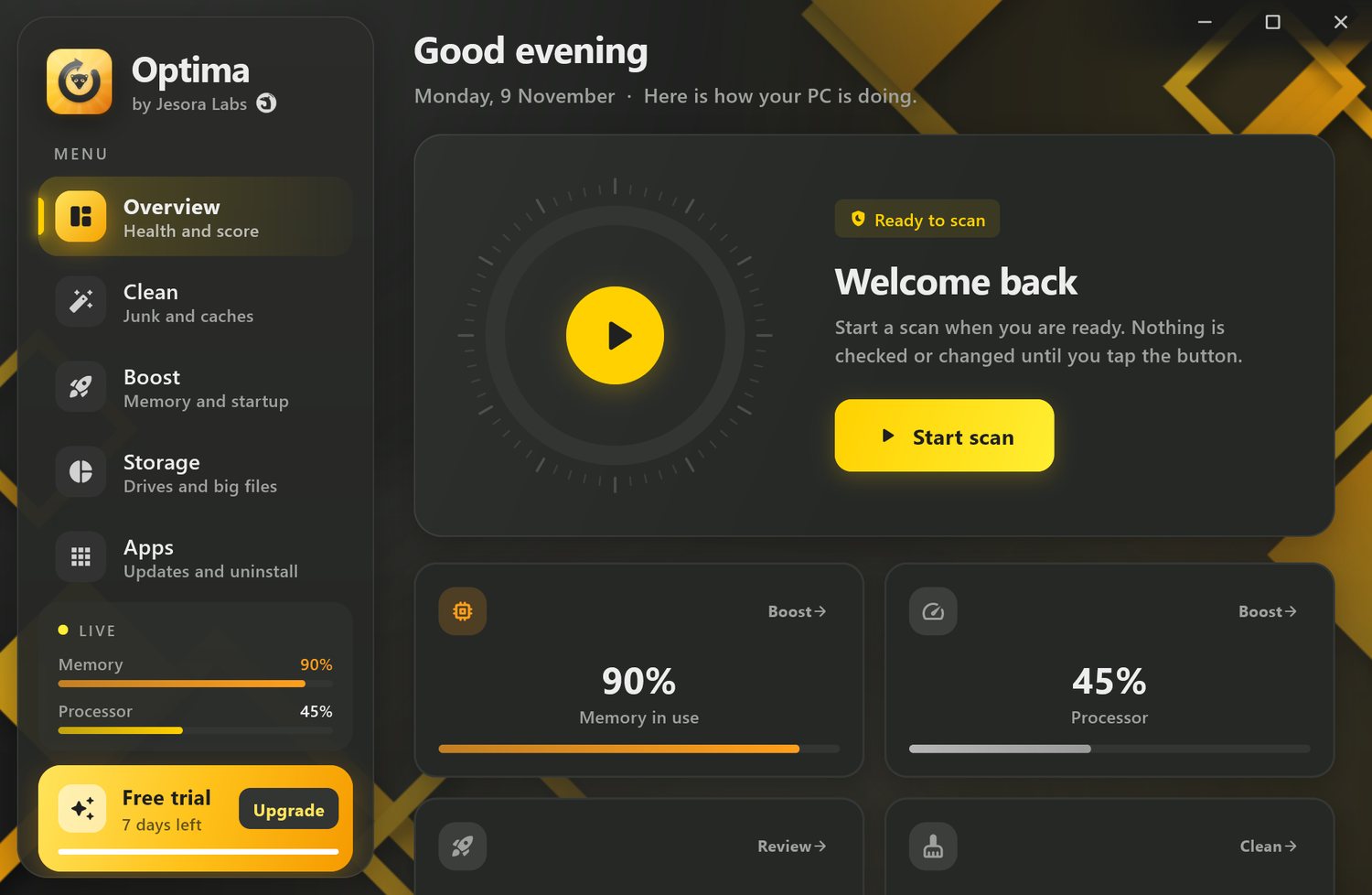
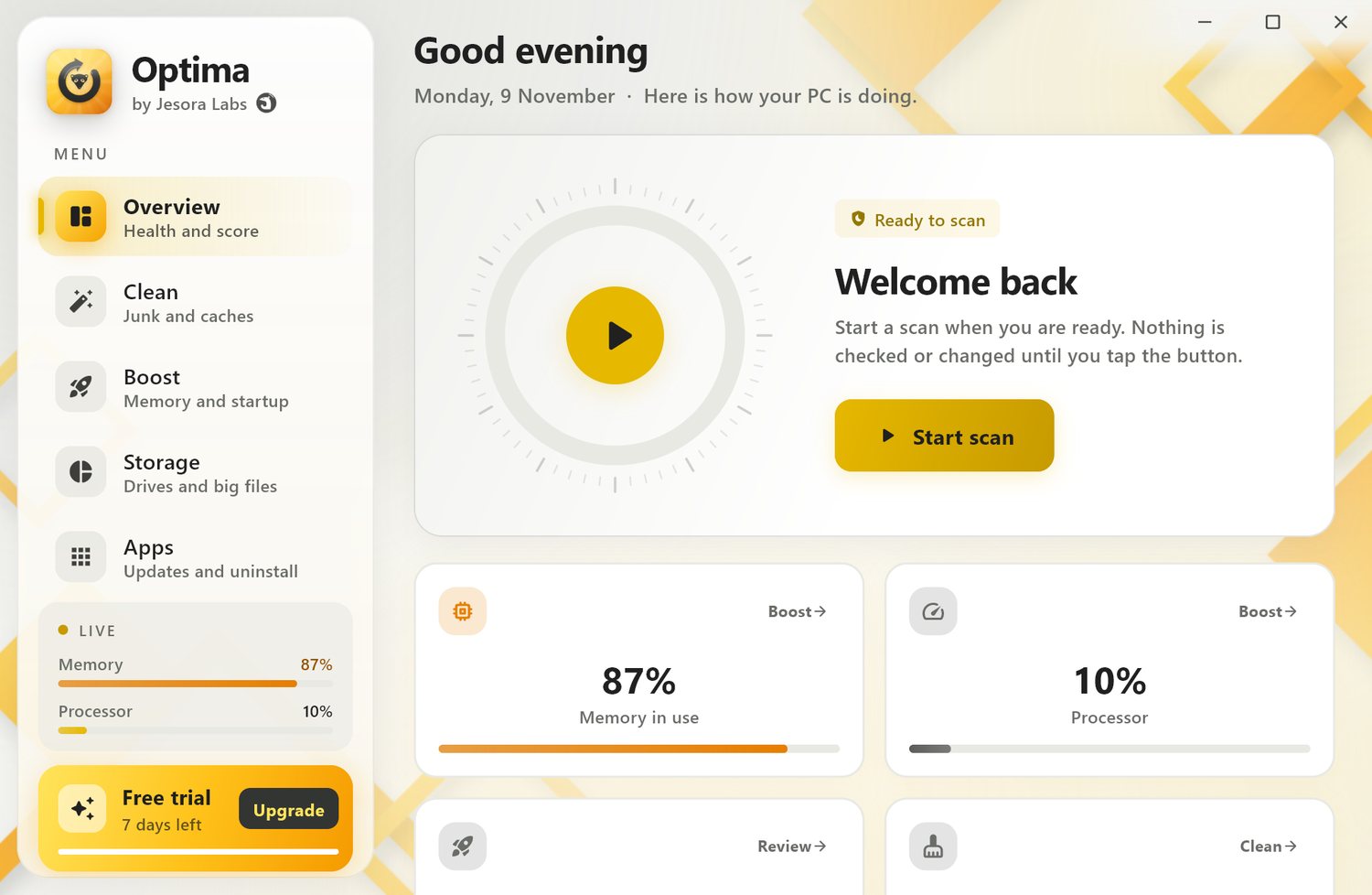
Everything that slows a computer down, in one calm app
No scare counters and no fake "errors found". Optima shows what it found, how big it is, and what is safe to remove.
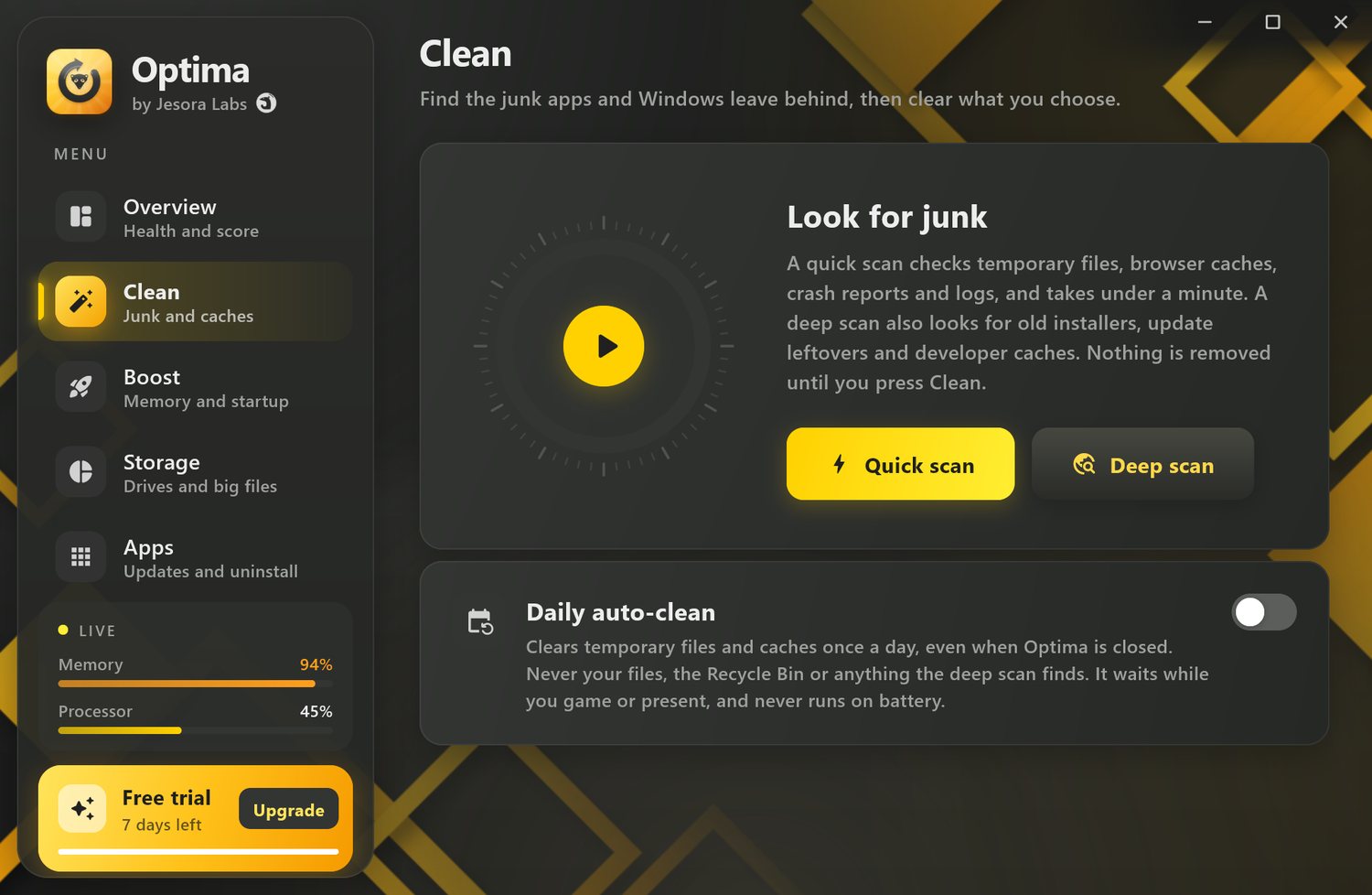
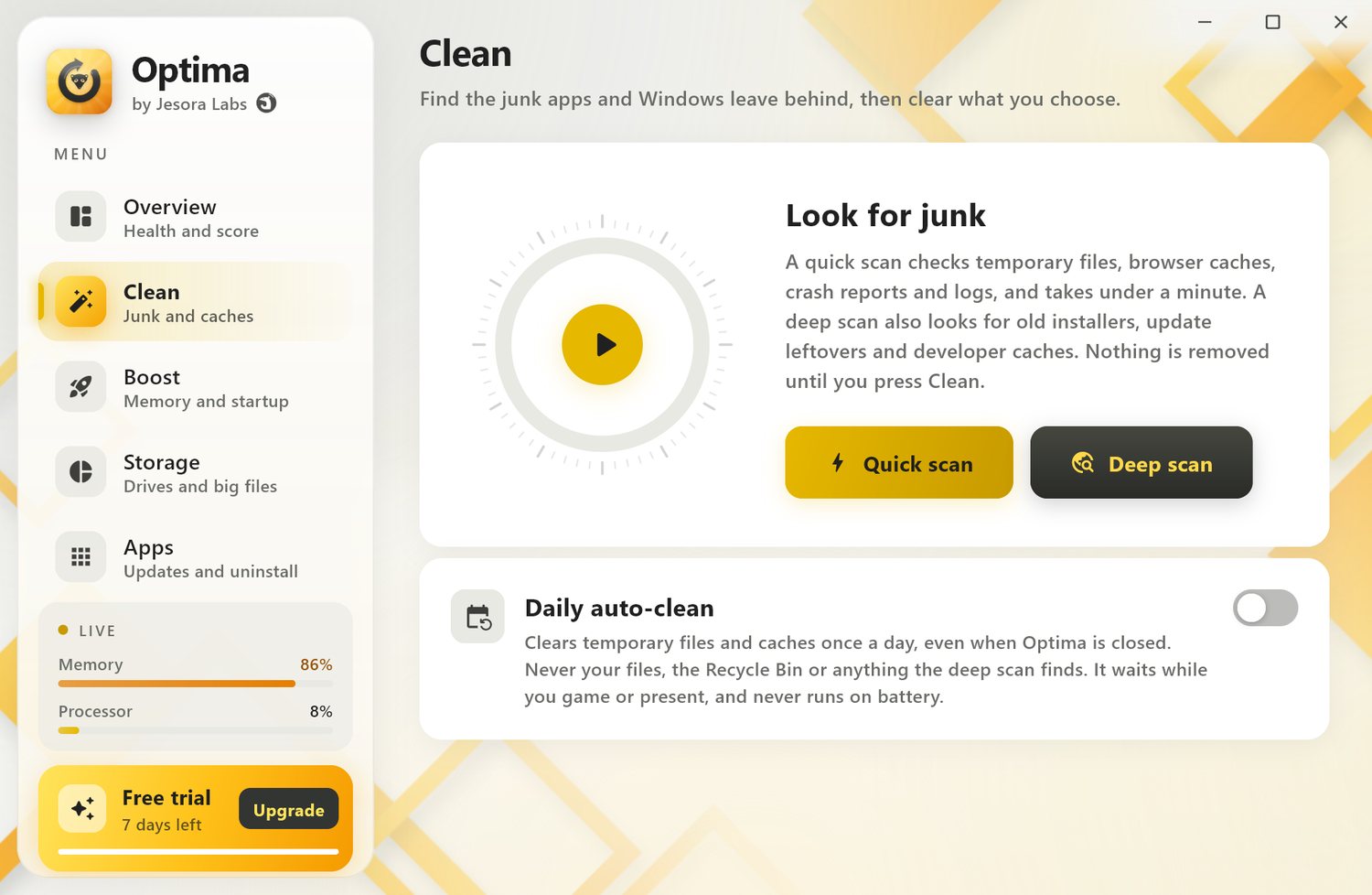
Find the junk Windows and apps leave behind
A quick scan checks temporary files, browser caches, crash reports and logs in under a minute. A deep scan goes further, then you choose what goes.
- Temp files, browser and app caches, crash dumps, old logs
- Deep clean: Windows Update leftovers, old installers, developer caches (npm, pip, Gradle, VS Code and more) Premium
- Privacy: browser history and, if you choose, cookies for Chrome, Edge, Brave, Vivaldi, Opera and Firefox, and recent-files lists; passwords and bookmarks are never touched Premium
- Daily auto-clean of the safe junk at a time you pick, even while Optima is closed, skipped on battery and while you game or present Premium
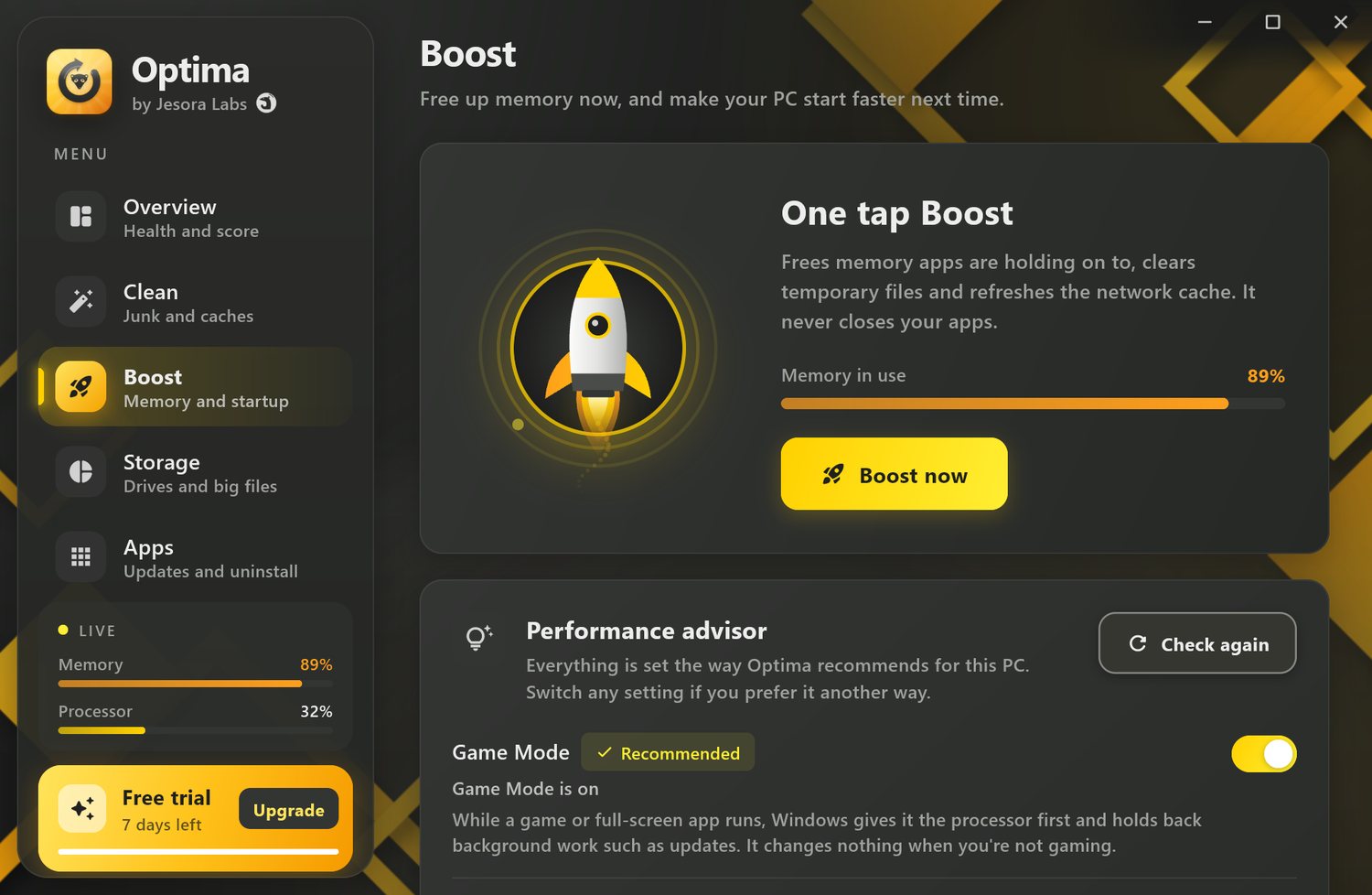
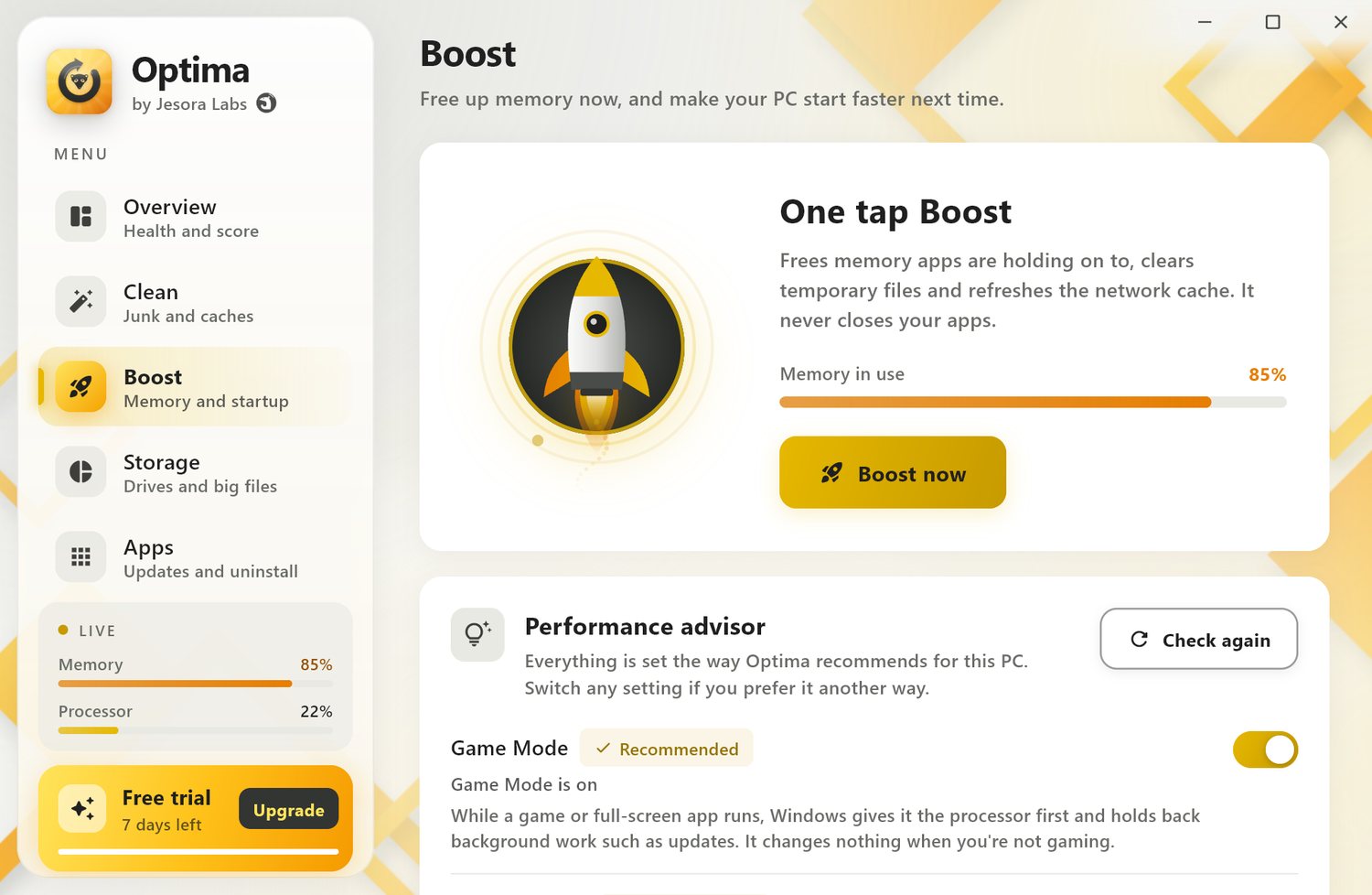
Free memory now, and start faster every day
One tap frees memory that idle apps are holding, clears temporary files and refreshes the network cache. It never closes the apps you are using.
- One-tap Boost, with memory use before and after Premium
- Close the heavy apps you pick Premium
- Switch startup apps on or off Premium
- Performance advisor, Game Mode and power plan, free; the advisor's one-click fixes Premium
- Maintenance: flush DNS, free RAM or purgeable space, repair system files, reset the Store, re-index Spotlight Premium
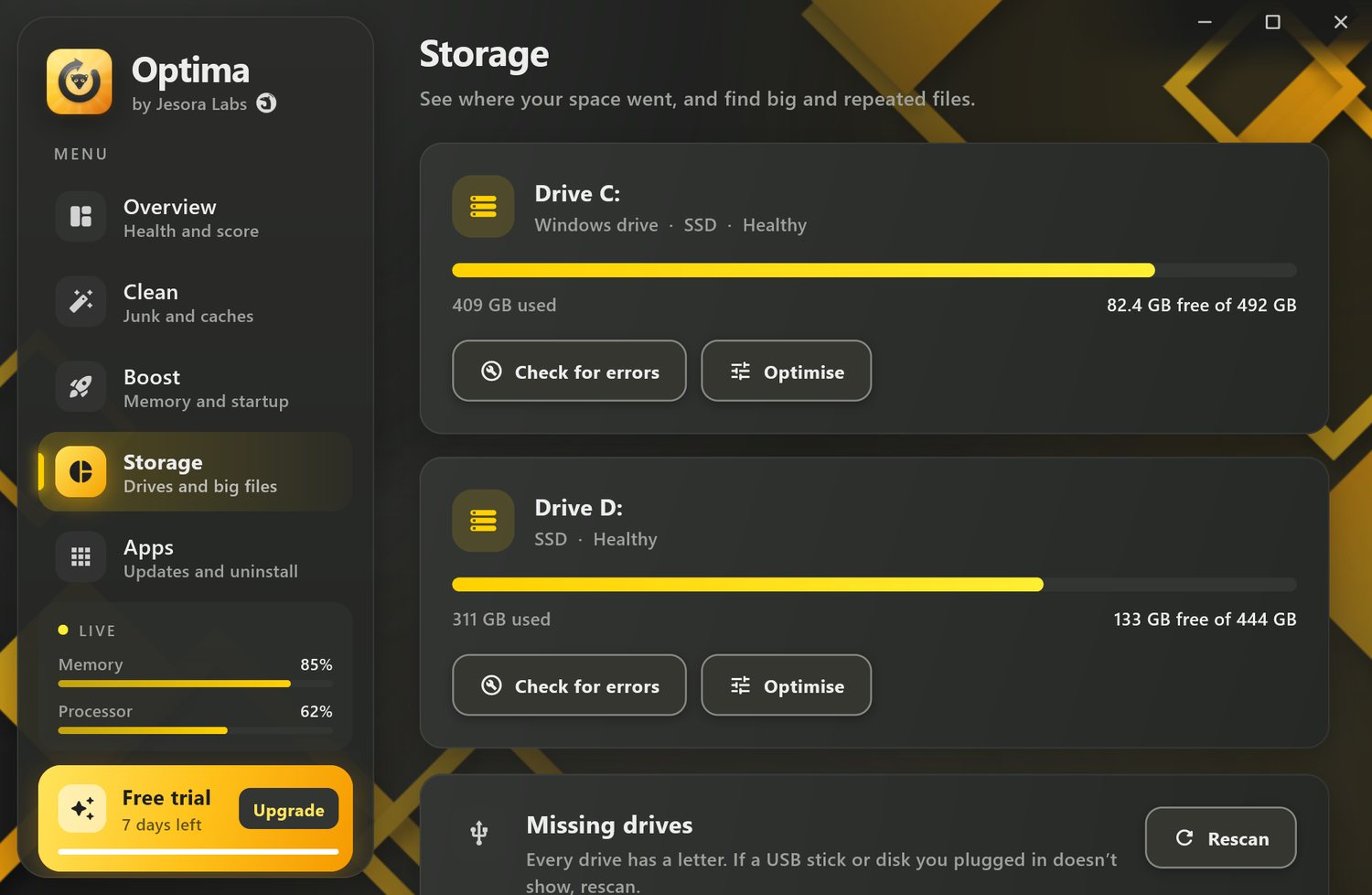
See where your space went
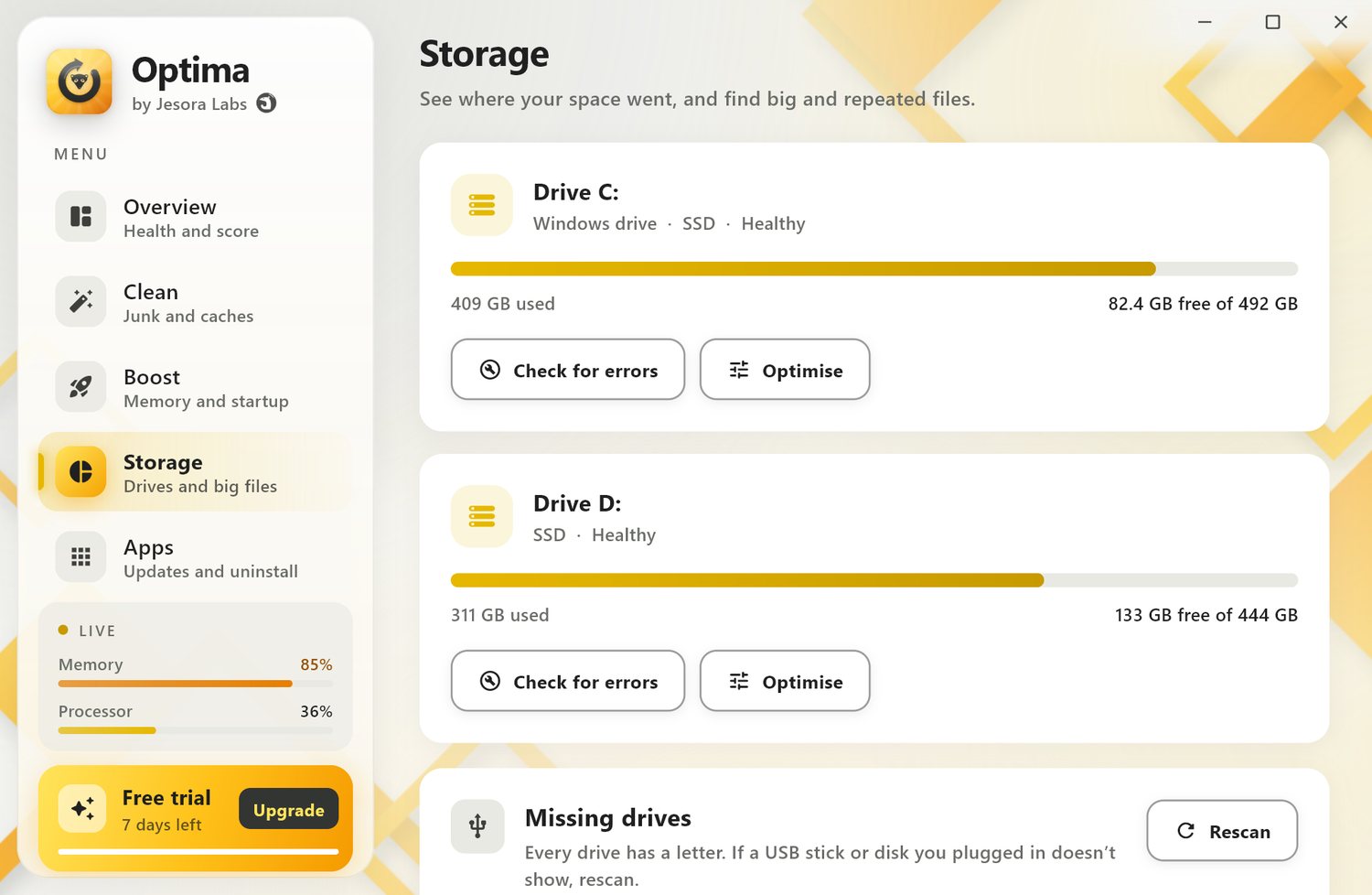
Every drive with its free space and health, a finder for big files, and a duplicate finder that compares contents, not just names.
- Drive health, check for errors and optimise (TRIM on SSDs)
- Big-file and duplicate finder, free to look
- Remove what you choose, to the Recycle Bin Premium
- Space Lens: folder sizes under your home folder, drill down and open in Explorer or Finder
- File shredder for private files, so undelete tools cannot bring them back Premium
- Bring back a missing USB or drive letter with Rescan
Deep uninstall on Windows and Mac, and keep the rest up to date
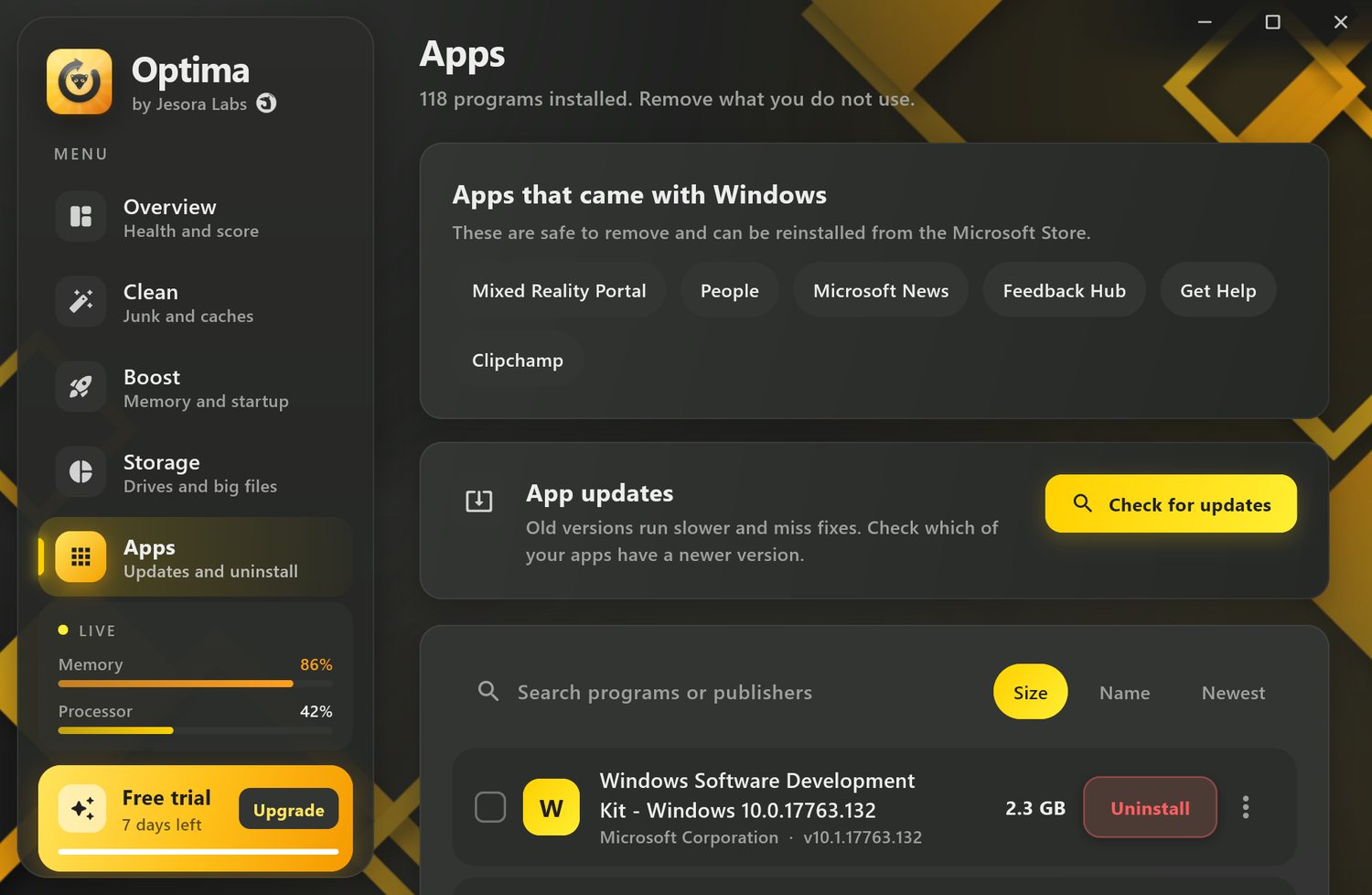
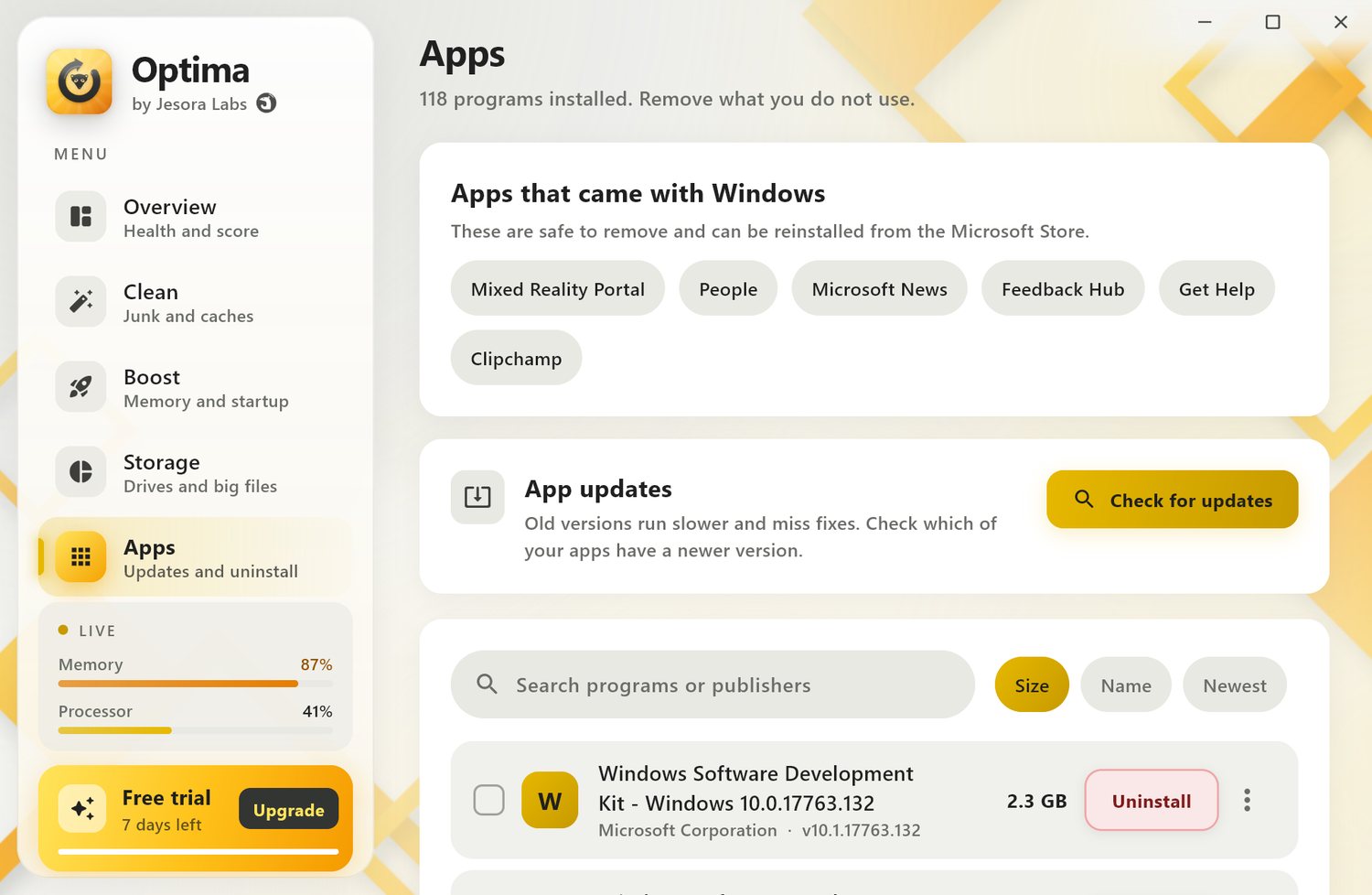
Every installed app by size, with what a normal uninstall leaves behind. Optima never touches a folder that another app still uses.
- Windows: uninstall with leftover folders, registry entries, services and tasks, backed up first, with a restore point Premium
- Mac: the app goes to the Trash, then its data in your Library, files it keeps in /Library, the launch agents that start its helpers and its privileged helper tools Premium
- Force remove an app that is open, won't quit or has no uninstaller, and remove several at once Premium
- Remove preinstalled Windows apps; they can be reinstalled from the Store Premium
- App updates: see what is out of date free, update in one click Premium (winget on Windows; Homebrew, the App Store and apps' own update feeds on Mac)
Your phone, tidy in a tap
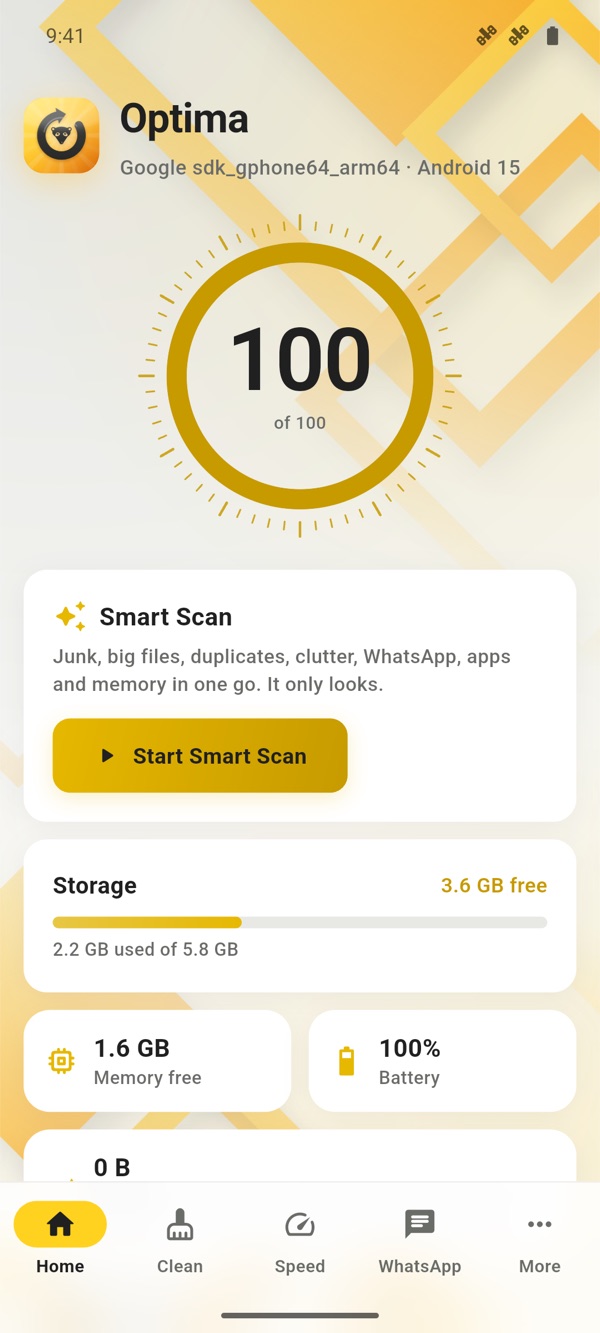
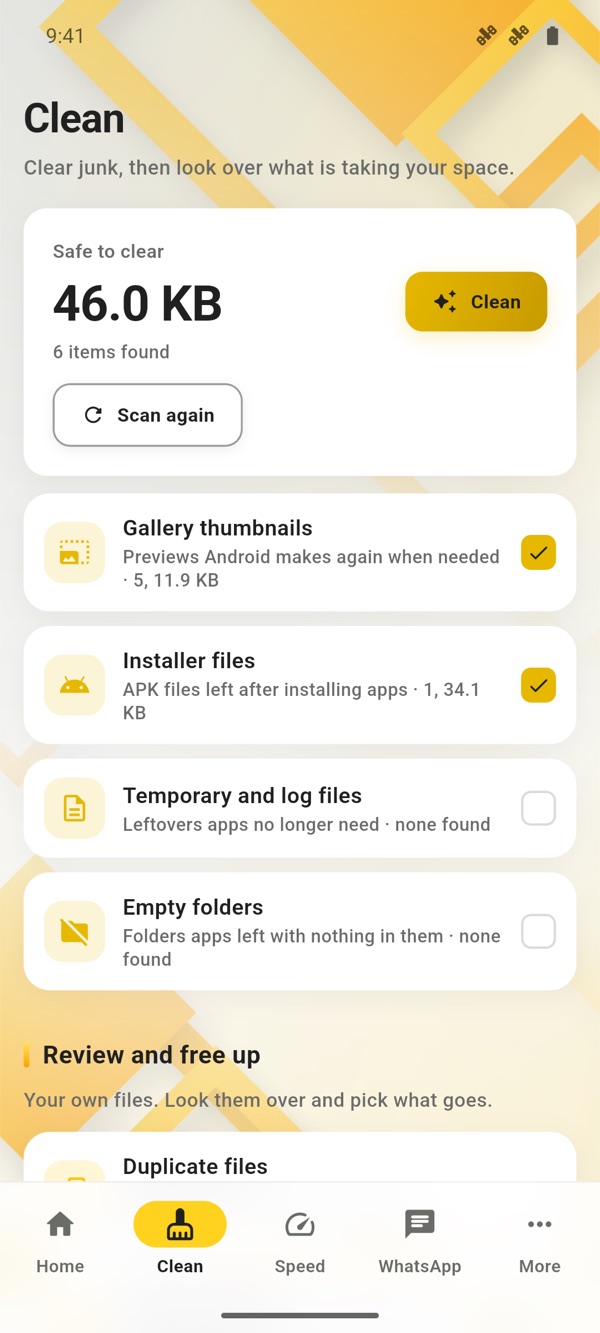
The same calm look on your phone, in four tabs: Home, Clean, Speed and Settings. A health score, one Smart Scan, and clean-ups that show the real space freed. Your plan sits at the top right of every page, as on the computer.
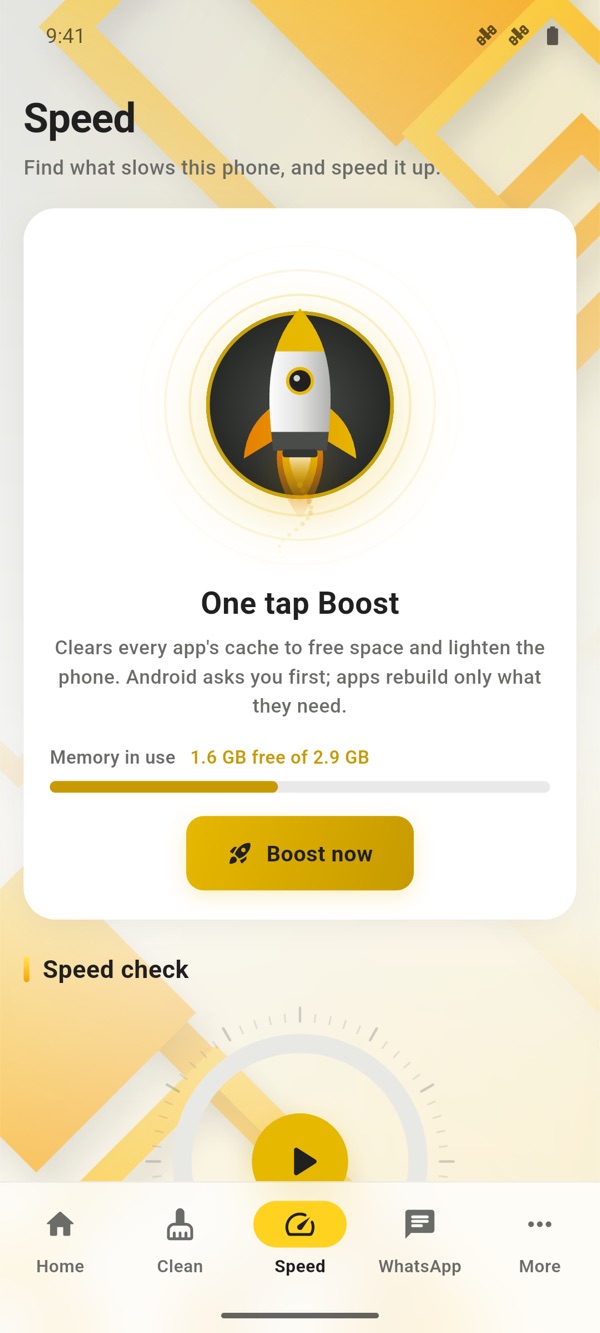
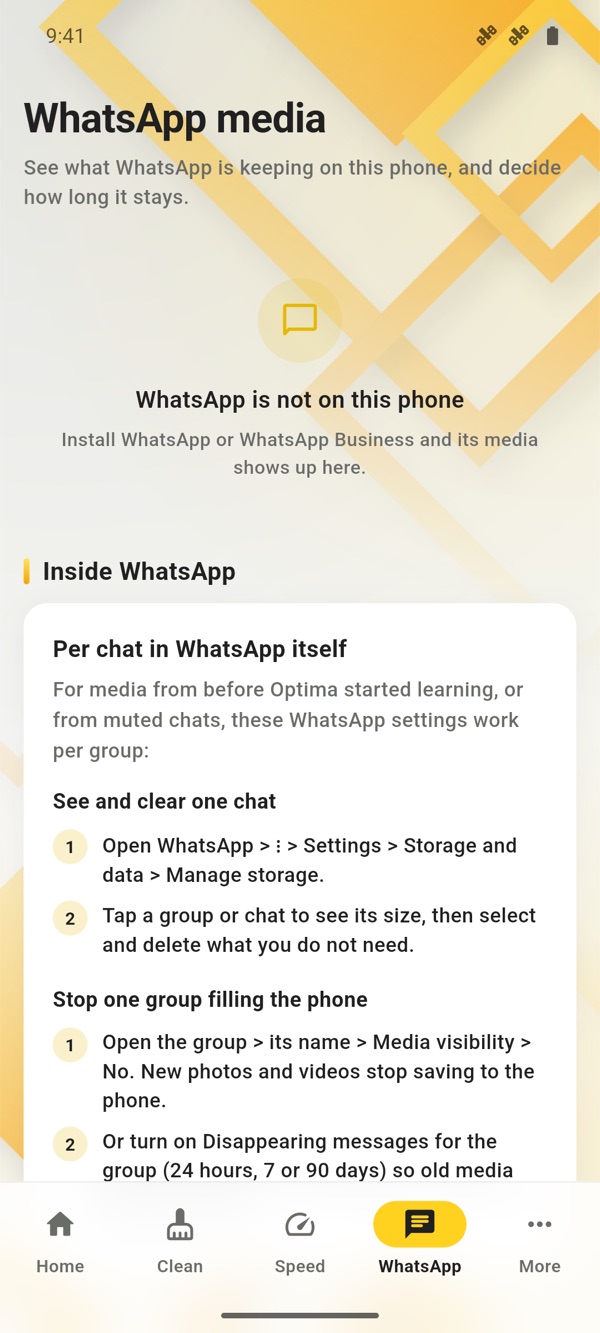
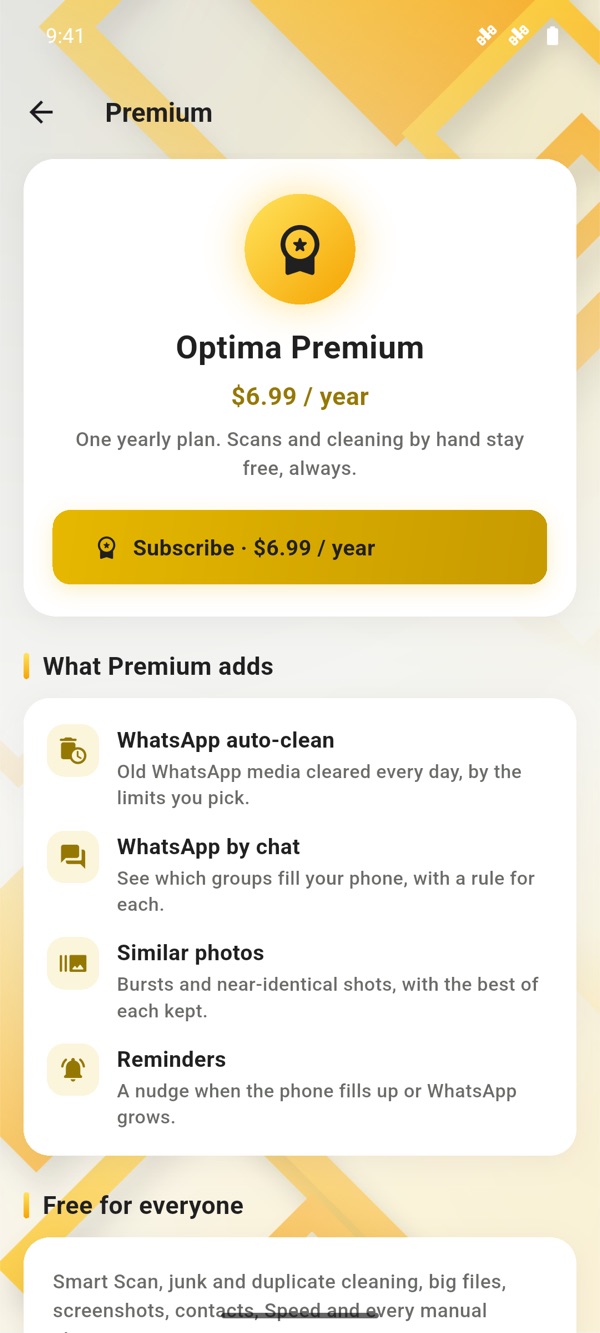
Smart Scan
Every check in one go, with a live percentage: junk, big files, duplicates, WhatsApp, apps, storage and battery. Tap a result to deal with it, or scan again any time.
Clean, and see what you got back
Junk spirals into a gold core while it clears, then the space freed counts up. Exact duplicates, similar photos, screenshots, big videos and old downloads each get their own review screen.
Boost and Speed up
On Android, the rocket closes apps idling in the background (Android 13 and earlier) or clears app caches. On iPhone it runs an honest speed check of storage, battery, heat and iOS updates.
WhatsApp under control
Under Clean. On Android: media by kind (even media left behind after WhatsApp was uninstalled), how long each kind stays, forwarded copies and old backups, with daily auto-clean and rules for each chat Premium. On iPhone: clean the WhatsApp album, with a guide for each chat.
Duplicate contacts
Same name, number or email, merged into one card. Every merge is backed up on the phone first and can be undone for 30 days.
Recover
Photos and videos deleted on Android wait in the system trash, and Optima can put them back. On iPhone they go to Recently Deleted for 30 days.
A cleaner you can trust with your files
Cheap cleaners break things. Optima follows a few rules that it never bends.
Nothing without your say
Scans only look. Nothing is checked or changed until you tap the button, and you see each item and its size first.
Recycle Bin first
Big files, duplicates and leftovers go to the Recycle Bin or Trash where the system allows, so a mistake is one click to undo.
System files are off limits
Optima never removes Windows or macOS system files, shared folders like Common Files, or anything another installed program uses.
Your data stays home
Everything runs on your computer. Optima does not upload your files or the list of what it found. No ads, no trackers.
An undo before every removal
Before a deep uninstall on Windows, Optima makes a restore point and backs up the registry entries it removes. On a Mac, apps and leftovers go to the Trash, where Put Back works.
Honest results
No inflated numbers. When the system does not allow something, such as boosting memory on an iPhone, Optima says so instead of pretending.
Shaped for each device
Each system allows different things. Optima does what each one allows, and says plainly what it cannot do.
| Feature | Windows | Mac | Android | iPhone and iPad |
|---|---|---|---|---|
| One-tap health scan | Smart Care | Smart Care | Smart Scan | Smart Scan |
| Junk clean, quick and deep | Yes | Yes | Thumbnails, installers, temp files, empty folders | Not allowed by iOS |
| Duplicate and big files | Yes | Yes | Duplicate and similar photos, large videos | Exact and similar photos, screenshots, large videos |
| Boost | Yes | Close the heavy apps you pick | Closes idle apps (Android 13 and earlier), clears app caches | Speed check, no fake memory boost |
| Startup apps | Yes | Login items and agents | n/a | n/a |
| Deep uninstall with leftovers | Yes, with a restore point | Yes: Library data, helpers and launch agents, to the Trash | Unused and heavy apps | Not allowed by iOS |
| App updates | winget | Homebrew, App Store, apps' update feeds | Google Play | App Store |
| Speed check | Advisor | Advisor | Speed tab | Storage, battery, heat, Low Power |
| WhatsApp and Telegram | n/a | n/a | By kind and by chat, forwarded copies, old backups | WhatsApp album, guide for each chat |
| Duplicate contacts | n/a | n/a | Merge, undo for 30 days | Merge, undo for 30 days |
| Recover deleted photos and videos | Recycle Bin | Trash | From the system trash (Android 11+) | Points to Recently Deleted |
| Daily auto-clean | Yes | Yes | WhatsApp, daily | No background work on iOS |
| Reminders | n/a | n/a | Phone almost full, WhatsApp grew | No background work on iOS |
| Buying Premium | This website | This website | Google Play | App Store |
Windows 10 and 11 (64-bit) · macOS 12 or later · Android 8 or later · iOS 15 or later
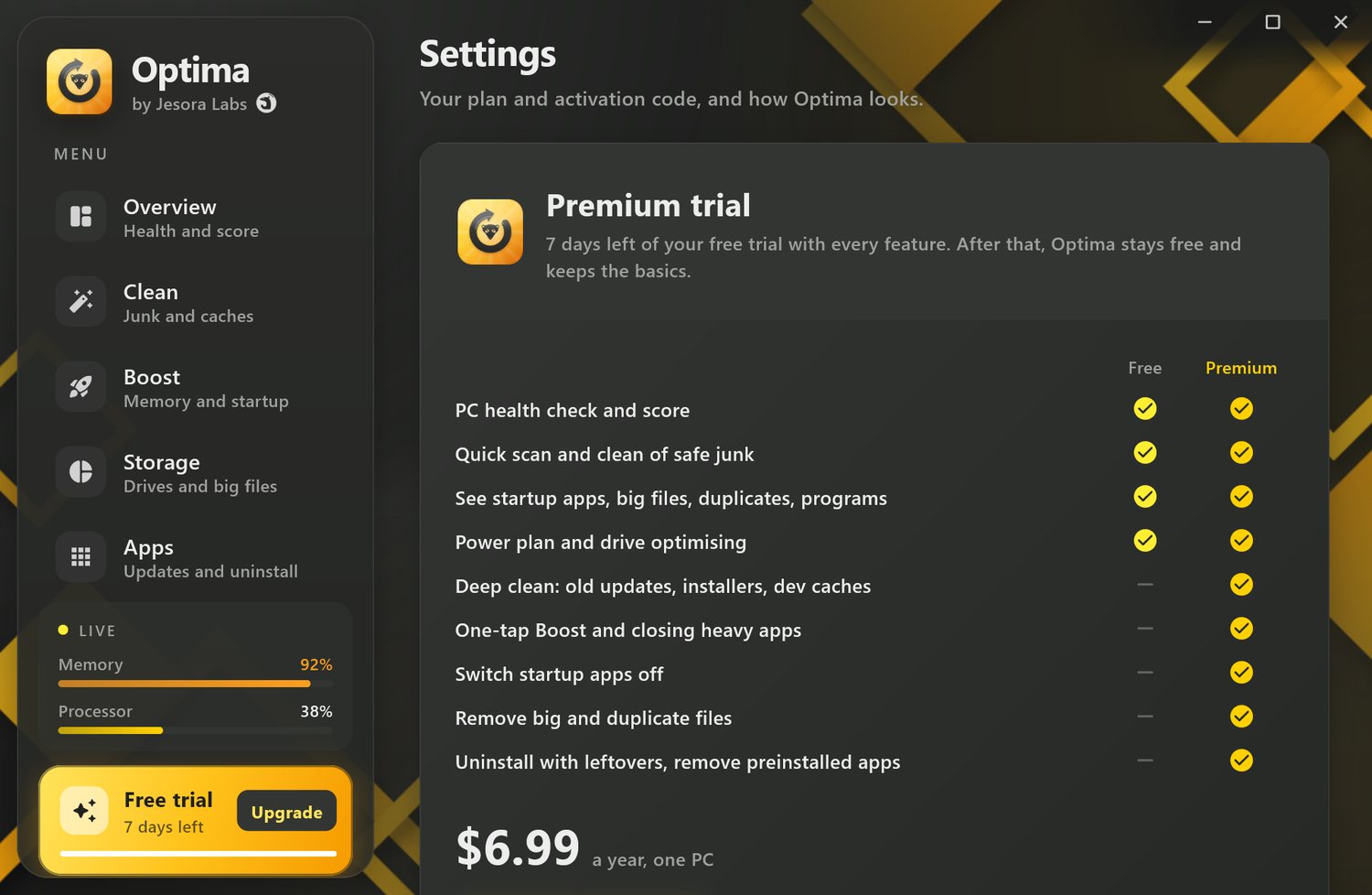
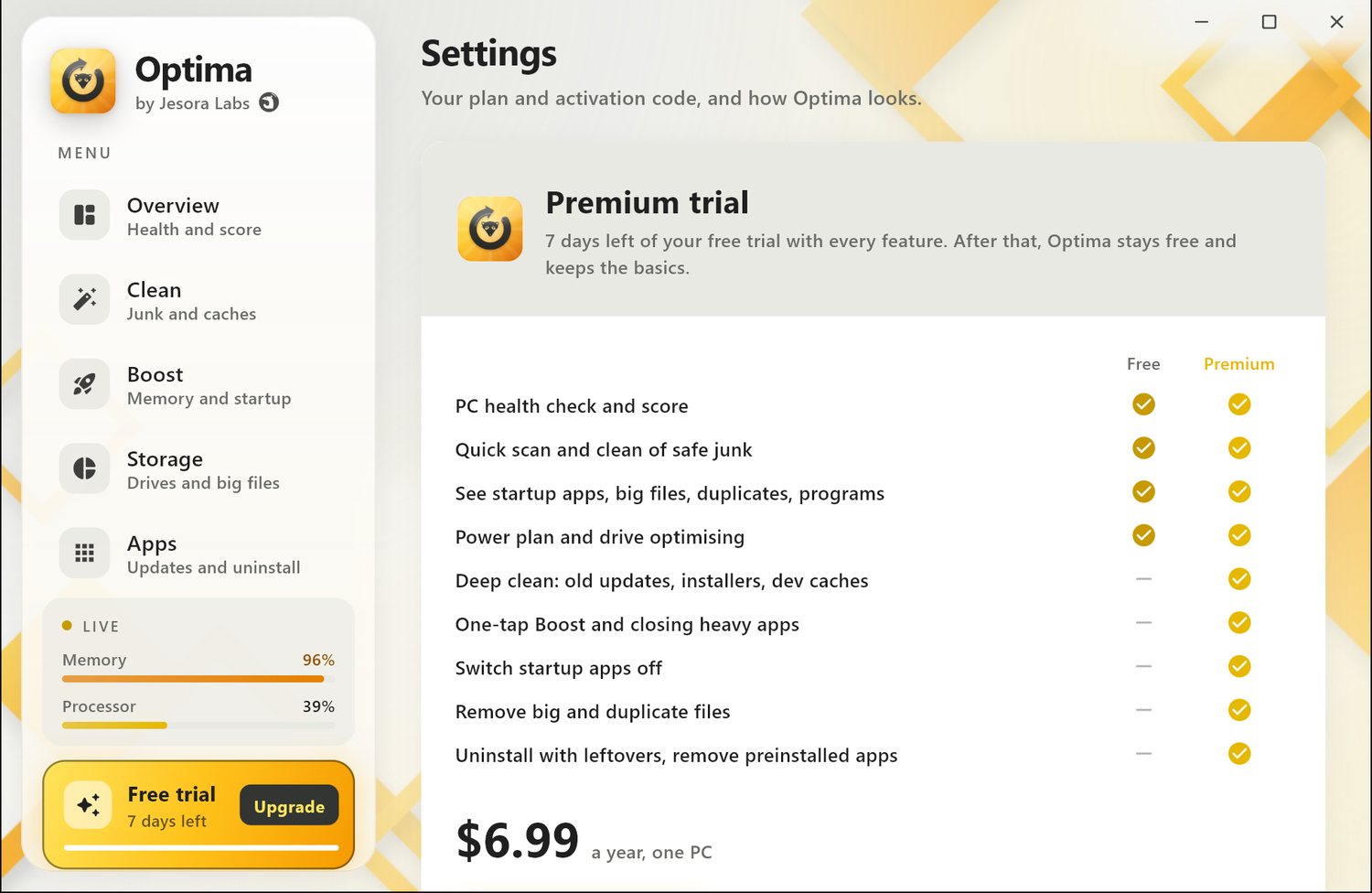
The basics are free. Premium is fair.
Every new install gets every feature for 7 days. After that, Optima stays free and keeps the basics.
Free
US$0 outside India
- PC health check and score
- Quick scan and clean of safe junk
- See startup apps, big files, duplicates and programs
- Power plan and drive optimising
- See which apps have updates
Premium
US$6.99 a year outside India · one computer
- Everything in Free
- Deep clean: update leftovers, old installers, developer caches
- One-tap Boost and closing heavy apps
- Startup switches
- Remove big and duplicate files
- Deep uninstall with leftovers on Windows and Mac, and removing preinstalled Windows apps
- Daily auto-clean, Privacy clean, Maintenance and the file shredder
- One-click app updates and advisor fixes
Premium on your phone
US$6.99 a year outside India · bought in Google Play or the App Store · renews yearly until you cancel
- Free on every phone: Smart Scan, junk and duplicate cleaning, big files, screenshots, contacts, Speed and every clean you start yourself
- Premium adds: daily WhatsApp auto-clean, WhatsApp by chat, similar photos and reminders
- Cancel any time in the store's subscription settings; Premium stays on until the paid year ends
Pay once for a year, or let it renew. The price does not go up at renewal, and you can turn renewal off in your account at any time. India pays in rupees through Razorpay (UPI, cards, net banking); everywhere else pays in US dollars through PayPal. See the refund policy. Phone subscriptions are billed and refunded by Google Play or Apple; see the Terms of Use.
Questions, answered
Is it safe to clean with Optima?
Yes. Optima only removes things that are safe to remove, such as caches and temporary files that apps rebuild by themselves. It shows each item before cleaning, never touches system files, and sends big files, duplicates and leftovers to the Recycle Bin or Trash where it can.
How is it different from Jesora Antivirus?
Jesora Antivirus protects you from malware and scams and includes a cleaner. Optima is the cleaning and speed part on its own, with extras, for people who only want a tidy, fast computer. Both can run on the same computer.
What happens when the 7-day trial ends?
Optima moves to the Free plan by itself. Nothing is charged and no card is needed for the trial. The health check, quick clean and the finders keep working.
How do I activate Premium?
After you buy on this website, your activation code is always in your account, and we email it to you too. If support sends you a code, that works the same way. In Optima, open Settings from the plan card in the menu (or choose "I have a code" when Optima offers Premium), paste the code into the activation field and choose Activate. On Android and iPhone, tap the gold Upgrade badge at the top of any page (or the plan card in Settings) and buy with Google Play or the App Store; Restore purchase brings it to a new phone. The guide has every step.
Can I use one licence on several computers?
A Premium licence is for one computer. You can move it: remove the old computer under My devices in your account, then activate on the new one.
Does Optima send my data anywhere?
No files and no scan results leave your computer. When you activate Premium, Optima sends your activation code, a random device id and the computer's name, so you can see your devices in your account. Phones send nothing at all: no account, no analytics. See the privacy policy.
What does Premium add on my phone?
Daily WhatsApp auto-clean, WhatsApp media by chat, similar photos and reminders. Every scan and every clean you start yourself stays free. Phone Premium is a yearly subscription in Google Play or the App Store, separate from a computer licence.
Can Optima speed up my iPhone?
iOS does not let any app close other apps or free their memory, so Optima never pretends to. Its Speed up check looks at what really slows an iPhone (storage nearly full, battery health, heat, Low Power Mode and iOS updates) and shows the fix for each.
Will cleaning WhatsApp delete my chats?
No. Optima only removes media files you choose, by age and kind, and never your messages. A deleted photo can show as missing in the chat unless it is in your gallery or WhatsApp backup, so Optima asks before every clean.
How do I cancel or get a refund?
Turn off automatic renewal in your account at any time; Premium keeps working until the end of the year you paid for. For refunds see our refund policy or write to support@jesoralabs.com.

A faster computer and phone, without the clutter
Jesora Optima is coming soon to Windows, Mac, Android and iPhone. Leave your email and we will tell you the day it launches.